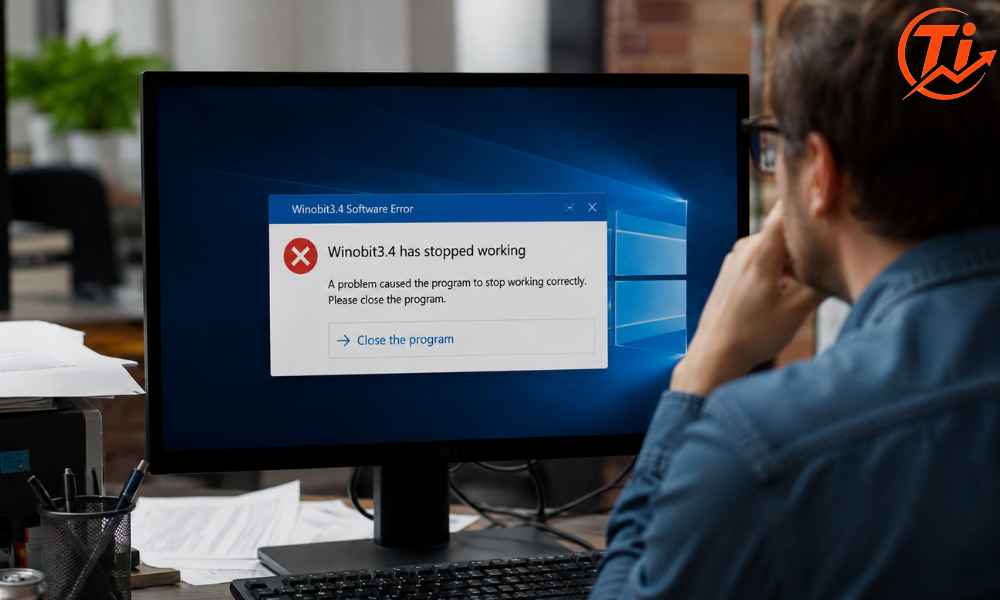
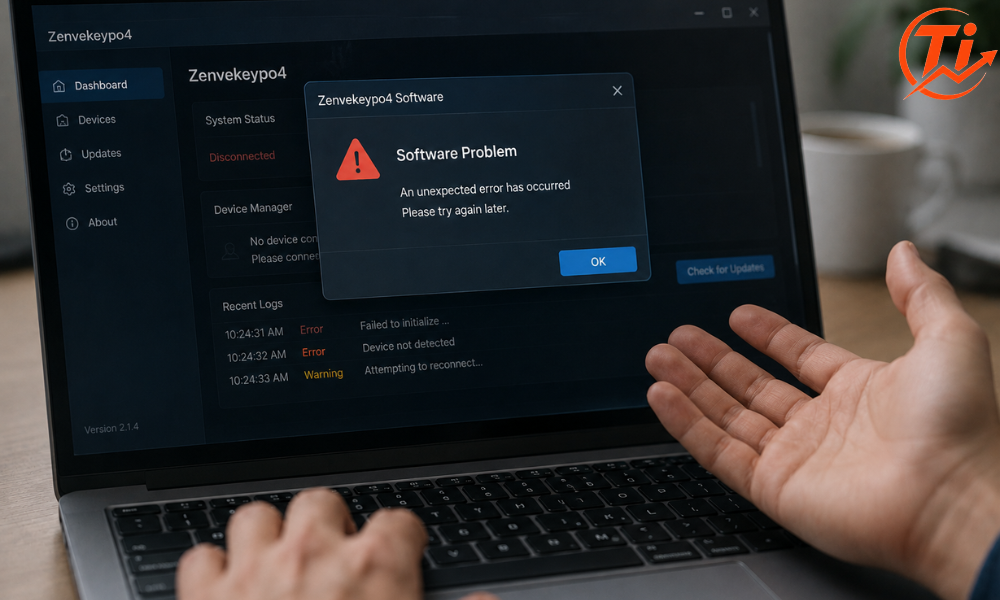
If you typed “zenvekeypo4 software problem” into a search bar because something on your screen mentioned that name, you are probably expecting a straightforward fix. A restart here, an update there, maybe a settings tweak. That is usually how these guides go.
This one is going to be different, because the honest answer is more useful than a fake one. After digging through what is actually available online about Zenvekeypo4, the short version is this: there is no verified software company, product page, developer, or documentation behind that name. What you are dealing with is more likely a confusing label, a placeholder string, or a warning message that borrowed an unfamiliar name, not an established application with a known fix list.
That does not mean your problem is not real. It means the name is the wrong thing to troubleshoot. Below is a clear breakdown of what shows up when people search this term, why the information online is so inconsistent, and what to actually do if you are staring at a Zenvekeypo4 error, warning, or crash right now.
What Is Zenvekeypo4 Software, Really?
Zenvekeypo4 is not a recognized, verifiable software product. There is no official website, no listed developer, no changelog, and no entry in mainstream software directories tied to that name. Several articles online openly admit this, while others confidently describe it as everything from a workflow automation tool to a key management platform to a security utility, often with completely different feature lists from one article to the next.
That contradiction is the biggest clue here. A real piece of software, even a small or niche one, usually has a consistent story: one developer, one set of features, one support channel. When a name shows up described five different ways across five different sites, with no site actually screenshotting the interface or linking to a real download page, that is a strong sign the term was invented or repurposed, not that the software simply has “limited documentation.”
Why the Search Results Are So Confusing
Type “zenvekeypo4” into a search engine and you will land on a pile of articles that read almost identically. Same section order, same generic advice about restarting devices and clearing cache, same vague claims about crashes and sync errors. A few of them even contradict themselves in a single article, hedging that the software “might not be real” before spending a thousand words explaining how to fix it anyway.
Here is roughly what shows up, side by side:
| What the article claims Zenvekeypo4 is | Consistency with other articles |
| A workflow or productivity automation tool | Repeated on several sites, no shared feature details |
| A key and secrets management platform | Appears once, unrelated to the “productivity tool” claims |
| A diagnostic framework bundled with another product | Mentions a brand name found nowhere else |
| Not real software, possibly linked to malware or adware | Stated directly on a few sites |
| A code-based utility with its own “engine” | Technical-sounding language with no verifiable specifics |
None of these descriptions reference a real company, a support email that resolves, or a pricing page you can actually visit. That pattern is common when a search term gets picked up by content sites chasing traffic on an unfamiliar phrase, and each site fills in the blanks with plausible-sounding but unverified detail.
Is Zenvekeypo4 a Virus or Malware?
There is no confirmed evidence that Zenvekeypo4 is a specific, named piece of malware either. It does not consistently appear in mainstream malware databases or antivirus vendor threat listings under that exact name.
That said, unfamiliar software names showing up in pop-ups, browser notifications, or system alerts are a common tactic used by adware, potentially unwanted programs (PUPs), and browser-based scam pages. If you saw the name Zenvekeypo4 attached to a warning that pushed urgency, a phone number, a “click here to fix now” button, or a request to disable your antivirus, treat that as suspicious regardless of what the name is. Real security software rarely pressures you into instant action.
Quick answer: Zenvekeypo4 is not a confirmed virus, but it is also not a confirmed legitimate program. If you cannot find it listed as an installed application on your device with a clear publisher name, treat any related warning with caution rather than trusting instructions from a random guide.
What to Do If You See a Zenvekeypo4 Warning or Error
Instead of chasing fixes for a product that cannot be verified, work through this general checklist for handling any unfamiliar software name or warning. These steps apply whether the label is Zenvekeypo4 or something else entirely.
- Check installed programs first. On Windows, open Settings and look under Apps. On macOS, check the Applications folder. If Zenvekeypo4 does not appear as an installed program with a listed publisher, the warning likely did not come from real installed software.
- Close the browser tab or window, do not click anything inside the alert. Fake system warnings are usually just web pages designed to look like operating system pop-ups.
- Clear your browser cache and check installed extensions. Adware and PUPs frequently hide as browser extensions with unrelated or vague names.
- Run a scan with security software you already trust. Use an antivirus or anti-malware tool you installed intentionally, not one suggested by the warning itself.
- Check your subscription or account status if the alert relates to a real service you use. Sometimes a broken login or expired session on a legitimate app can produce a confusing, unrelated error name.
- Restart the device. This resolves a surprising number of session and cache related glitches that get misattributed to a mystery program.
- Avoid downloading any “repair tool” the warning recommends. This is one of the most common ways unwanted software gets installed in the first place.
If, after checking your installed applications, you genuinely find a program named Zenvekeypo4 on your device, that is a different situation. In that case, look at the publisher name listed in your system’s app manager, since that will tell you which real company you are actually dealing with, and search for support using that publisher’s name instead.
When It Is Actually a Different, Real Problem
Many of the symptoms attached to “Zenvekeypo4 software problem” articles, things like slow performance, sync failures, login issues, or crashes, are common to a huge range of legitimate software. If you are experiencing one of these and just saw the name Zenvekeypo4 somewhere nearby (in a pop-up, a forum post, or a search result), the underlying cause is probably one of these instead:
- An expired login session or authentication token in whatever app you were actually using
- An outdated app version that no longer matches your operating system
- A corrupted local cache or profile file
- A background browser extension interfering with page behavior
- Limited system resources (memory or storage) slowing performance
Working through the standard troubleshooting steps above will resolve most of these regardless of what name got attached to the error message.
How to Protect Yourself From Confusing Software Names Like This
Unfamiliar, randomly generated sounding software names are increasingly common online, often connected to scam pages, ad-heavy content farms, or low-effort browser extensions. A few habits help here:
- Verify a program exists by checking your own device’s installed apps list, not by trusting a search result.
- Be skeptical of any guide that gives confident technical detail about a product with no company name, no pricing page, and no support contact.
- Never install a “fix” or “repair tool” suggested directly inside a warning pop-up.
- If a name shows up that you do not recognize, search for it alongside the word “review” or “scam” rather than “how to fix,” since that tends to surface more skeptical, useful results.
Read More: https://trendinginsight.co.uk/connectivity-issues-hssgamepad/
FAQs
What is Zenvekeypo4 software?
Zenvekeypo4 is not a verified or documented software product. No official developer, website, or consistent feature set has been confirmed, and different sources describe it in conflicting ways.
Is Zenvekeypo4 software real or fake?
It cannot be confirmed as real. There is no evidence of an official company or product behind the name, which suggests it may be a fabricated or misapplied term rather than an actual application.
Is Zenvekeypo4 a virus or malware?
There is no confirmed listing of Zenvekeypo4 as a specific named threat, but unfamiliar names attached to urgent warnings are a common tactic used by adware and scam pages, so treat such alerts cautiously.
Why am I seeing a Zenvekeypo4 error or warning?
It likely comes from a browser pop-up, a mislabeled alert, or an unrelated app issue that got tied to this name, rather than from a confirmed piece of installed software.
How do I fix a Zenvekeypo4 software problem?
Check your installed applications for a program with that exact name and a real publisher. If none exists, the issue is probably a browser or system glitch, which usually resolves with a cache clear, extension check, and restart.
How do I remove or uninstall Zenvekeypo4?
If it does not appear in your installed apps list, there is nothing to uninstall. If a suspicious extension or app does appear under a similar name, remove it through your browser’s extension manager or your system’s app settings, then run a trusted security scan.
Is it safe to download Zenvekeypo4?
Downloading anything tied to an unverified name is risky. Avoid downloading files or “repair tools” connected to Zenvekeypo4 from unfamiliar sites.
What should I do if I see a Zenvekeypo4 pop-up on my browser?
Close the tab without clicking anything inside it, clear your browser cache, check for unfamiliar extensions, and run a scan using security software you already trust.
Final Thoughts
The most useful thing you can take from a search for “zenvekeypo4 software problem” is not a list of fake troubleshooting steps for a product that cannot be verified. It is the reminder to check your actual installed applications, be cautious with unfamiliar warnings, and rely on general, sound troubleshooting instead of chasing instructions built around a name with no real company behind it. If a genuine issue is affecting your device, working through the checklist above will get you closer to a real fix than any guide built on an unconfirmed product ever could.